
How to add reading time on cards and articles in Blogger
The small "⏱ 5 min read" badge we see on leading sites is more powerful than you might think. It lets readers instantly decide whether to read now or save for later. This article teaches you how to add reading time to a Blogger theme with BlogKub, calculated automatically, supporting Thai, and displayable on both cards and in articles.
Quick summary: add the Reading time block in BlogKub, then Export the XML and upload it to Blogger. The system shows "⏱ X min" on the article page, and (if enabled) on homepage cards too, calculated automatically from the content and supporting Thai. On cards it pulls the content via the feed to calculate and caches it for 12 hours so it does not re-fetch often.
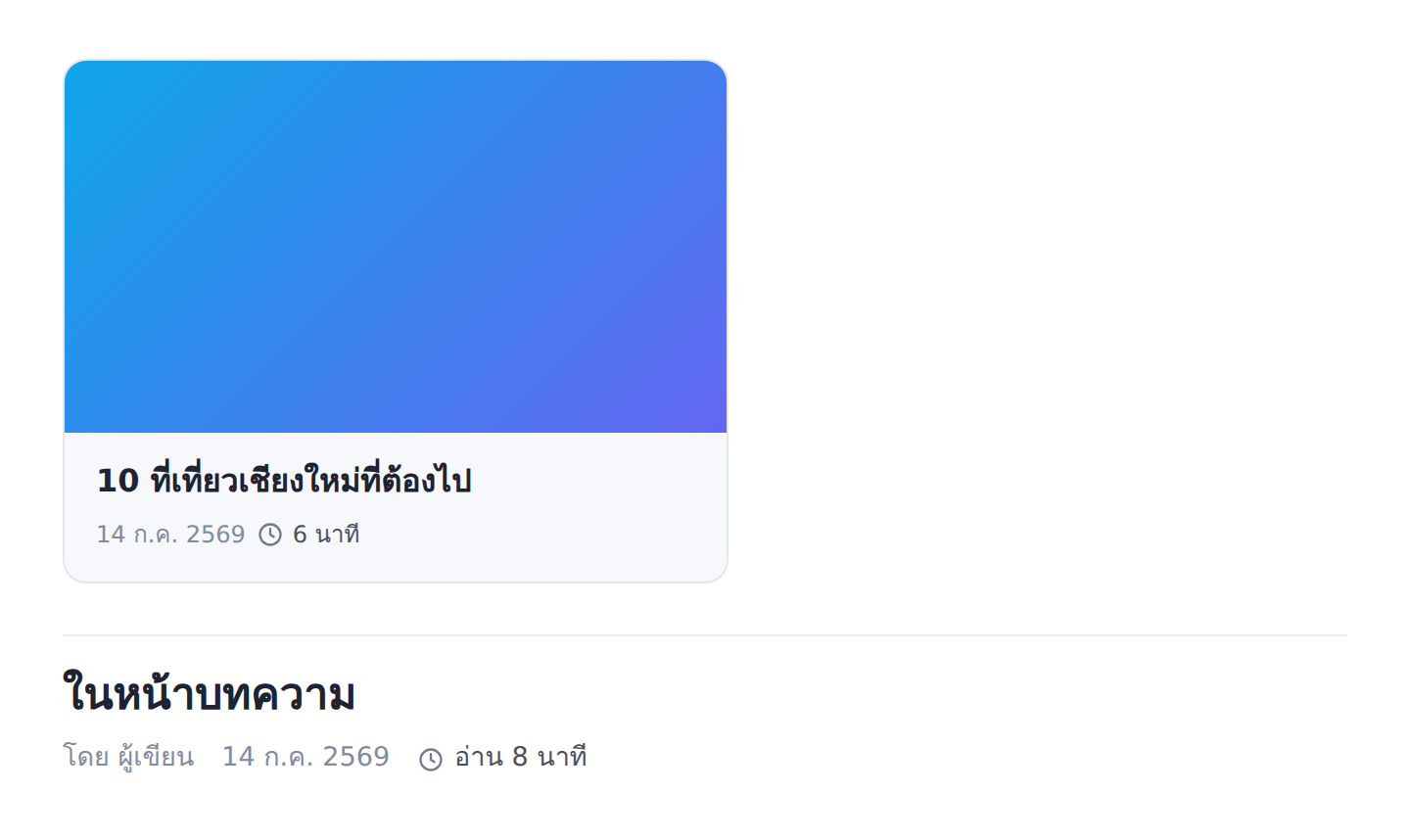
What reading time is, and why it is valuable
Reading time is an estimate of how long an article takes to read, usually shown as "X min" with a clock icon. This number helps readers predict how much time it takes, which affects the decision to start reading now or save for later.
The real value is "reducing uncertainty". Readers hesitate less when they know how much time to invest. An article that says "3 min read" looks approachable and easier to click than one that says nothing, while a long article that says "12 min read" sets the right expectation, so ready readers can prepare, and busy ones save it for later instead of opening and quitting midway.
The challenge: calculating Thai reading time correctly
A typical reading time calculation counts the number of words and divides by an average reading speed (about 200 words per minute). This works well for English with clear spaces between words, but Thai has no spaces between words, so counting words by spaces gives a badly wrong result. A long Thai article might be counted as just a few words, making the reading time abnormally low.
BlogKub solves this by approximating the Thai word count from the character count, alongside counting English words as usual, so an all-Thai, Thai-English mixed, or all-English article all get a reasonable reading time. This is a very important detail for Thai blogs, because if the reading time is off, the badge is useless or, worse, misleads readers.
How to add reading time step by step
- Add the reading time block. Open the left block library and drag the "Reading time" block into the page.
- Choose whether to calculate on cards. Turn on the option to calculate reading time on homepage cards (the system pulls content via the feed to calculate, cached 12 hours) or turn it off if you want it only on article pages.
- Export the XML and upload. Click Export, then take the file to blogger.com → Theme → three-dot menu → Backup/Restore → select the XML file.
- Check the time display. Open the homepage and an article page, confirm the "⏱ X min" badge shows in the right place (on cards and in the article meta) and the number is reasonable for the content length.
On homepage cards: feed fetching and a 12 hour cache
Showing reading time on the article page is easy because the content is already on the page. But on homepage cards, the card shows only the title and image, with no full content to calculate. BlogKub therefore pulls the article content via Blogger's feed to calculate each card's reading time and fill in the badge.
To avoid re-fetching the feed every time the page loads, the system caches the result for about 12 hours in the reader's browser. The first visit fetches and calculates, and later visits within 12 hours use the cached result, keeping it fast and not wasting feed calls. This balances having up-to-date data with keeping speed. If you do not want reading time on cards, turn this option off so the system works only on article pages, which is lighter.
Reading time and reader psychology
The reason leading sites favor showing reading time comes from understanding reader behavior. People have limited time and attention. Seeing a time number helps them allocate it, such as "I have 5 free minutes while waiting, this 3 min article fits" or "a 15 min article, better save it for the evening". Both cases beat opening it and feeling it is longer than expected, then leaving.
In this sense, reading time works well with other features. When a reader sees an article is long but is still interested, they might use a bookmark to save it for later, or while reading, watch the reading progress bar to see how much is left. All of this helps readers feel in control of their own experience, which increases satisfaction and the chance of reading to the end.
Accuracy: reading time is an estimate
What to understand is that reading time is an "estimate", not an exact number, because each person's reading speed differs. Some read fast, some read slowly and consider carefully. Also, an article with lots of code, tables, or images takes a different time from plain text. The purpose of reading time is to give a "rough picture" to help decide, not a stopwatch that must be exact.
So do not worry if the number is slightly off from your own real time. As long as it reflects relative length correctly, short articles show less time and long ones show more, it does its job fully. Understanding that this is an estimate helps you use the feature correctly without expecting unrealistic precision.
Reading time and site credibility
Beyond usability, showing reading time also signals that your site attends to detail and is designed for readers. Small, polished elements like this appear on leading media sites and professional blogs. When your blog has these in full, readers subconsciously perceive it as credible and standard, a feeling that carries over to trust in the content.
Many small details together are what make the difference between a blog that looks "casual" and one that looks "serious". Reading time is one of them. The cost to add it is nearly zero because it is calculated automatically, but the effect on image and experience is valuable, making it a feature worth enabling in almost every blog.
Examples of use in different kinds of blogs
- Knowledge/how-to blogs: readers often want to know how long it takes to learn this, and reading time sets the expectation.
- News/summary blogs: a short reading time says it can be finished quickly, ideal for people who want fast updates.
- Long-form/analysis blogs: a long reading time filters for readers ready to invest time, and encourages busy ones to save it first.
- Multi-category content sites: reading time on cards helps readers easily choose an article based on the time they have.
Common problems and how to fix them
Reading time does not show
Check that you added the reading time block and Exported again. On the article page, the badge shows in the article meta section. On cards, you must turn on the calculate-on-cards option and the theme must have real article cards.
The reading time number looks abnormally low
If it is a Thai article, the system already approximates from characters, but if most of the content is images or code rather than text, the word count will genuinely be low, which is normal because reading time counts text.
The time on cards does not update immediately after editing an article
Because the system caches the result for 12 hours, changes may reflect a little slowly on cards. Wait for the cache to expire or test in a browser with no cache yet.
Best practices
- Enable reading time on blogs with articles of varied length, to help readers choose by the time they have.
- Turn off the card calculation if you prioritize homepage speed or the theme has no article cards.
- Understand that reading time is an estimate, and do not worry about small discrepancies.
- Use it together with the reading progress bar and bookmarks for a complete reading experience.
Wrapping up
Reading time is a small detail that helps readers decide and plan their reading better, reducing hesitation and quitting midway. With BlogKub you just add the reading time block and Export it to use, and the system shows "⏱ X min" on article pages and on cards (if enabled), calculated automatically from the content with Thai support, and caching the card result for 12 hours to keep speed. When you understand it as an estimate to help decide, and use it with other reading features, reading time raises your reader experience to a professional level like leading sites.
Frequently asked questions (FAQ)
How is reading time calculated?
The system counts the number of words in the article content and divides by an average reading speed, supporting both English words and Thai characters (converting the Thai character count into an approximate word count), then displays it as minutes, rounded up to at least 1 minute.
Can it show reading time on homepage cards?
Yes. Turn on the calculate-on-cards option, and the system pulls the article content via the feed to calculate and display it on the card, caching the result for about 12 hours so it does not re-fetch often. If you want it only on article pages, you can turn this off.
Does it support Thai?
Yes. Because Thai has no spaces between words, the system approximates the word count from the Thai character count, so the reading time of a Thai article is reasonable, not a wrong value from counting by spaces.
Why show reading time?
It helps readers decide whether to read now or save for later, reducing hesitation and quitting midway. A short article looks approachable, while a long one sets the right expectation, improving the reader's experience and satisfaction.
Does reading time affect site speed?
Very little for article pages, because it calculates from the on-page content directly. On homepage cards there is one feed fetch cached for 12 hours, so it does not re-fetch every time, keeping the speed impact low.