
How to build related posts in a Blogger theme, pulled automatically by label
Offering "further reading" at the moment someone just finished reading is the easiest way to raise visits per session. This article teaches you how to add a related posts section to a Blogger theme with BlogKub that pulls posts in the same category automatically, along with the SEO reasoning and fixes.
Quick summary: add the Related Posts block in BlogKub, set the heading, count, and columns, then Export the XML and upload it to Blogger. From there, add a category label to every post and the system pulls posts in the same category from the JSON feed and shows them at the end of the article automatically (excluding the one being read). It raises further reading and builds internal links good for SEO, with no plugin.
What related posts is, and why every blog should have one
Related posts is a section that shows links to other articles on a similar topic, usually at the end of the content. The goal is to catch the moment a reader has just finished, the golden second when they are still interested in the subject, and offer further reading immediately, instead of letting them close the tab.
Think about your own experience. When you finish an article and see "other posts you might like" with a compelling heading, you often click through without realizing it. That is the power of related posts. It turns a single visit into reading several articles, raising both the reader's bond with the site and the chance they remember it and come back.
How BlogKub's related posts works
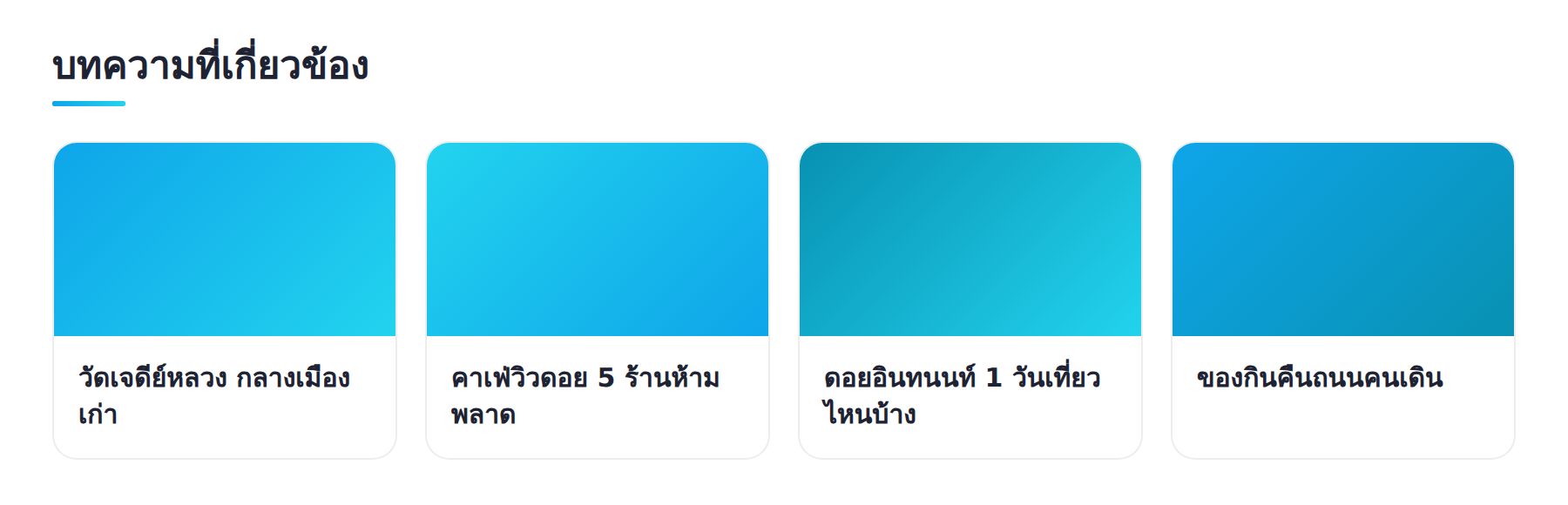
The highlight is that it pulls data automatically from Blogger's JSON feed by the current post's first label. When a reader opens an article in the "Travel" category, the system calls that category's feed, pulls other posts in the same category, filters out the one being read, and shows them as cards with an image and heading. All of this happens with no database setup, no plugin to install, and no manually picking articles one by one.
Because it is a live pull, every time you publish a new post in a category, the related posts section of the older posts in that category can update automatically. This keeps your content interlinked in a living way, with no need to go back and edit old links.
How related posts helps SEO
- More pages per session: readers click to read on, viewing several pages in one visit, a signal that the site has content people care about.
- Lower immediate bounce: having on-target further reading reduces the chance someone closes the tab after a single article.
- Builds internal links with context: links between posts in the same category help Google understand that this group of content is related, and spread internal link equity.
- Reinforces topical authority: when articles on the same topic interlink densely, the site looks like an in-depth source on that subject, which is good for the rankings of the whole category.
How to add related posts in BlogKub, step by step
- Add the Related Posts block. Many templates install it already. If yours does not, open the left library, category "Article & UX", and drag the "Related Posts" block in. The system places it at the end of the article automatically.
- Set the heading, count, and columns. Click the block to set the section heading (such as "Related posts" or "Keep reading"), the number of articles shown, the number of columns, and whether to show images in the cards.
- Export the XML and upload. Click Export, then take the file to blogger.com → Theme → three-dot menu → Backup/Restore → select the XML file.
- Add a category label to every post. In the post editor's label field, add the post's category, because the system pulls related posts from the first label. A well-planned label makes the recommendations accurate.
The related posts section is wrapped in a data:view.isSingleItem condition, so it shows only on article pages, and if there are no other posts in the category, the system hides the section automatically so it does not leave an empty space.
Plan your labels so related posts are accurate
Because the system uses the first label to find posts in the same category, the quality of your related posts depends on your labeling system. Follow these principles:
- Plan your main categories in advance, roughly 5 to 8 for a typical blog, then sort every post into these categories, so you get clearly connected groups of articles.
- Make the first label the main category, broad enough to hold several articles, not a specific term with a single article, because a category with one article has no recommendations to offer.
- Write enough articles in each category, at least 4 to 5 per category, so the system has options to show.
Related posts vs random/latest, which to use
BlogKub has both a "Related Posts" block (by category) and a "Random/Latest by label" block, which serve different purposes.
- Related posts emphasizes being "on topic", ideal at the end of an article to offer further reading on the same subject, good for topical authority.
- Random/latest emphasizes "variety or freshness", ideal for pulling people to explore the site's other content, or showing the newest articles.
You can use both on one page, such as related posts at the end of the content and random/latest in the sidebar or at the very bottom, so readers have both an on-topic and an exploratory path to read on.
Common problems and how to fix them
The related posts section does not show
The common cause is that the post has no label, or the category has only one article (the one being read). Add a category label and write more articles in that category, and the section will appear.
The recommendations are not on topic
This comes from a first label that is too broad or mixed. Reorganize your labels so the first label is a category that clearly conveys the topic, and the recommendations will be more accurate.
Card images do not show
Because the source article has no first image or featured image. Add at least one image to the article so the system can pull it as the card image.
Best practices
- Place related posts at the end of the content before the comments, to catch the moment the reader has just finished.
- Setting 4 articles in 2 columns is a good default that looks good on both desktop and mobile.
- Add a featured image to every article so the related posts cards are clickable.
- Pair it with breadcrumbs and in-content internal links to build a web of links that helps both readers and rankings.
Make related posts cards more clickable
The system pulls articles for you automatically, but what decides whether people click is the "heading" and "featured image" of the destination article. So making related posts genuinely clickable starts when you write each article, not on the block itself.
- Write article headings that invite the click. A heading that states a clear benefit or sparks curiosity draws clicks well when it appears in another article's related posts card.
- Add a meaningful, sharp featured image, because the card uses the article's first or featured image. A good image makes the card catch the eye and feel credible.
- Write articles in the same category as a connected series, such as several angles on "visiting Chiang Mai", so when someone finishes one, the cards offer other pieces in the series they are likely to want next.
When every article in a category is written with care in both heading and image, the related posts section becomes a powerful engine for further reading, because every card that appears is clickable.
Related posts and the mobile experience
Most people read blogs on mobile, so the layout of related posts has to account for a narrow screen. The recommended value is 2 columns, which on mobile stack or shrink to thumb-sized cards that are easy to read and tap. Setting 4 articles is just right, not so many that you scroll a long way after finishing, and not so few that there is no choice.
Be careful not to set too many columns on mobile, because the cards get so small the heading is unreadable and the image unclear. Let the system handle the responsive behavior from the values you set, for a balanced result on both desktop and mobile.
Wrapping up
Related posts is a feature that turns a single visit into reading several articles, helping raise time on site, reduce bounce, and build internal links good for SEO. With BlogKub, you just add the block, set the heading and count, and label your posts by category with discipline, and the system pulls posts in the same category from the JSON feed for you automatically, with no plugin or complex setup.
Frequently asked questions (FAQ)
Where does related posts in BlogKub get its data?
It pulls automatically from Blogger's JSON feed by the current post's first label. The system pulls other posts in the same category, excludes the article being read, and needs no database setup or plugin.
Do I have to label posts to get related posts?
Yes. The system uses the first label to find posts in the same category. If a post has no label, the related posts section will not show, so it does not leave a gap.
How do related posts help SEO?
They raise time on site and pages per visit, reduce bounce, and build internal links between posts in the same category, which spreads link equity and reinforces the site's topical authority.
What if a category has few posts?
The system shows what it has. If there are no other posts in the category, the section hides automatically. So write a reasonable number of posts per category to have recommendations to offer.
Which pages show related posts?
They show on single article pages, usually at the end of the content before the comments, to offer further reading right when the reader has just finished.